file2markdown Now Checks Its Own Output, With TypeSafe's Jev (Build in Public)
Updated: September 20, 2026
file2markdown Now Checks Its Own Output, With TypeSafe's Jev
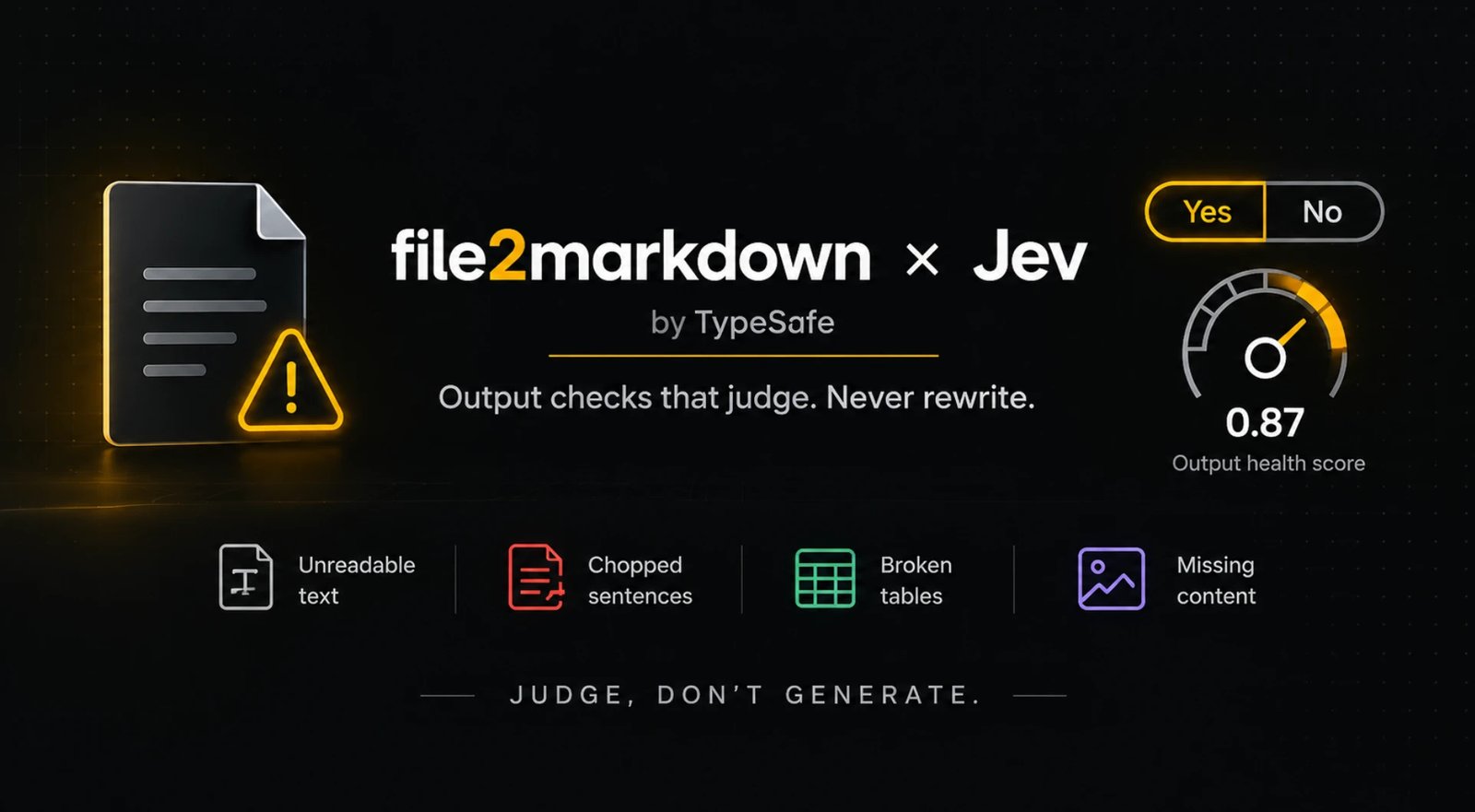
For a year, file2markdown converted files to Markdown and said nothing about whether the Markdown was any good. A PDF went in, text came out, you got a tick. If a font had not been embedded properly, or a table had lost a column, you found out later, usually from a confused answer in Claude or NotebookLM.
As of today, every conversion comes back with an output-health check. And for PDFs, you can opt into an AI check built on Jev, TypeSafe's System One model, which has one property we cared about more than any other: it cannot write. This post explains what we built, why we built it this way, and what it deliberately does not claim.
What goes wrong in a "successful" conversion
Almost all silent damage falls into three patterns:
- Garbled text. A PDF whose fonts were never embedded correctly yields letters that are wrong, missing or swapped, and words fused together or split at random. "Financial report" arrives as "finan?ial rep?rt". OCR in a hurry produces the same effect.
- Hard-wrapped prose. Older layouts store each printed line separately, so a paragraph arrives as a stack of short lines that end mid-sentence. These line breaks can make the text harder to read and process.
- Broken tables. A row missing a cell, a separator line that never made it, and a clean grid becomes a heap of numbers.
None of these raise an error, so none of them were visible. That is the gap.
What you see now
Under the file name on the convert page there is a short note. It has three honest states:
- Review: one or more specific problems, each with a fixed sentence and, where we can map it, the line range in the Markdown. For example: "A table's rows or columns look broken and may need checking against the source (lines 40–61)."
- No issues detected: the checks that ran found no obvious problem in the converted text.
- Not evaluated: you asked for the AI check and it could not run, so we say so instead of showing a green tick it did not earn.
Every state carries the same scope sentence: these checks look at the converted output only; they do not compare it with the original file. We will come back to why that sentence matters.
Two layers: rules first, then a model that judges
Basic checks run on our own servers for every conversion, and they never leave the process. They catch the mechanical signs: undecodable characters and unmapped-glyph markers, control characters, a page header repeated fifty times, Markdown tables whose rows have different numbers of cells or no separator, and one thing nobody could see before: a page where the OCR model hit its output limit and silently stopped. That last one comes from the vision API's own stop reason, which our worker now records per page.
Rules are cheap and precise, but they are blind to meaning. A rule cannot tell that a paragraph reads like scrambled letters.
The AI check is opt-in, per request, PDFs only for now. Tick "Also run an AI quality check on the converted text" and we select excerpts of the converted Markdown (the beginning, middle and end, plus any block the rules found suspicious) and send them to Jev in a single bounded request. For each excerpt we ask narrow yes-or-no questions: does this read as prose rather than code or a form, is it garbled, are sentences split across lines, does the table look broken. Jev answers each with a probability. Our code applies fixed thresholds, set from a private evaluation on documents we had broken on purpose and on healthy documents in several languages, plus code, formulas and forms, and turns the answers into the issue codes you see.
The whole thing runs after the conversion has finished, with a two-second deadline and no retries. If TypeSafe is slow or unreachable, you still get your Markdown, marked "AI check unavailable".
Why a model that cannot write
The obvious version of this feature is "ask a chat model to clean it up". We did not build that, on purpose.
A model that rewrites text can also change it: a number, a name, a clause in a contract. That is not a risk to take with a document you plan to rely on. Jev is a different kind of model. TypeSafe calls it a System One model: it reads state and returns typed judgments and probabilities rather than generated text. It has no way to make that mistake, because it never produces a replacement for your words. It judges; it never edits. The quality check leaves the converter’s output unchanged; it does not produce replacement text.
That single property is why we chose TypeSafe over bolting a chatbot onto the converter. It also keeps the feature honest in a second way: a probability from a narrow question is something code can threshold and explain. "Is this excerpt garbled?" with a number attached is a decision we can show you. "Here is a cleaned-up version" is not.
What it deliberately does not claim
The checks read the delivered Markdown. They never see the original PDF. So they can tell you a table looks broken, but they cannot tell you a page went missing, that page order changed, or that a value in an intact-looking cell is wrong. That is why you will never see a "98% quality" badge here. Probabilities are not correctness, and a score would invite exactly the trust the feature cannot back up.
You get issue codes, line ranges, one fixed sentence per issue, and the scope line. A warning means a specific thing deserves a look. "No issues detected" means the checks that ran found nothing obvious, no more.
Privacy, in plain words
- Basic checks happen entirely on our servers.
- The AI check is off unless you ask. The checkbox is unticked on every visit and is never remembered.
- When you tick it, excerpts of the converted text go to TypeSafe. Your original file never does. The separate OCR step, when needed, uses Claude to read images or scanned pages.
- The privacy page describes the whole path, and it was updated before the switch was turned on, not after.
For developers and agents
The same information is available programmatically. Every conversion in the web app and every response from the MCP server now carries a quality object next to the Markdown. Pass quality_check: "ai" to request the AI check; the default is basic checks only.
Here is an illustrative response, not an accuracy benchmark:
{
  "schema_version": "1",
  "status": "review",
  "basic": { "status": "completed" },
  "ai": { "status": "completed" },
  "coverage": {
    "scope": "delivered_output",
    "extent": "sampled",
    "lines_total": 450,
    "lines_checked": 154,
    "checked_ranges": [[1, 29], [120, 244]],
    "source_compared": false
  },
  "issues": [
    {
      "code": "garbled_text",
      "origin": "ai",
      "locations": [[120, 161]],
      "message": "Some extracted text may be unreadable (wrong, missing or scrambled characters)."
    }
  ]
}
An agent reading this can decide to re-fetch, warn its user, or route the document elsewhere instead of quoting garbage with a straight face. Line numbers refer to the Markdown it received, never to PDF pages. A failed AI check is reported as unavailable with a reason; it is never presented as approval.
How to use it this week
- Convert as usual and read the note under the file name before you paste anything anywhere.
- For a PDF you care about, tick the AI check. Long papers, scanned contracts, anything with tables. If it flags a passage, open the original at that spot and decide for yourself.
- If a warning is wrong, tell us. We use reported false alarms to inform evaluation before changing thresholds.
What is next
We are watching the warnings for a couple of weeks: which issue codes fire on which formats, how often the AI check is unavailable, and which warnings people tell us were wrong. Then the obvious next step is a user-triggered "re-extract this PDF with OCR" for cases where the text layer itself is the problem, with the original output kept alongside the new one so you can compare.
Formatting repair, automatic retries and an overall quality score are all deliberately off the roadmap. Detection first, honestly scoped; recovery only when the warnings have earned it.
If you want the short version: convert a PDF, tick the box, and read the note.
The Markdown Memo
A fortnightly note for lawyers, researchers, accountants, and anyone else drowning in PDFs, scans, and decks. No spam.